Smart homes are no longer a futuristic concept, they're becoming increasingly accessible and affordable. By integrating technology into your home, you can enhance comfort, security, and energy efficiency. Here's a guide to help you set up a smart home.
Understanding the Basics
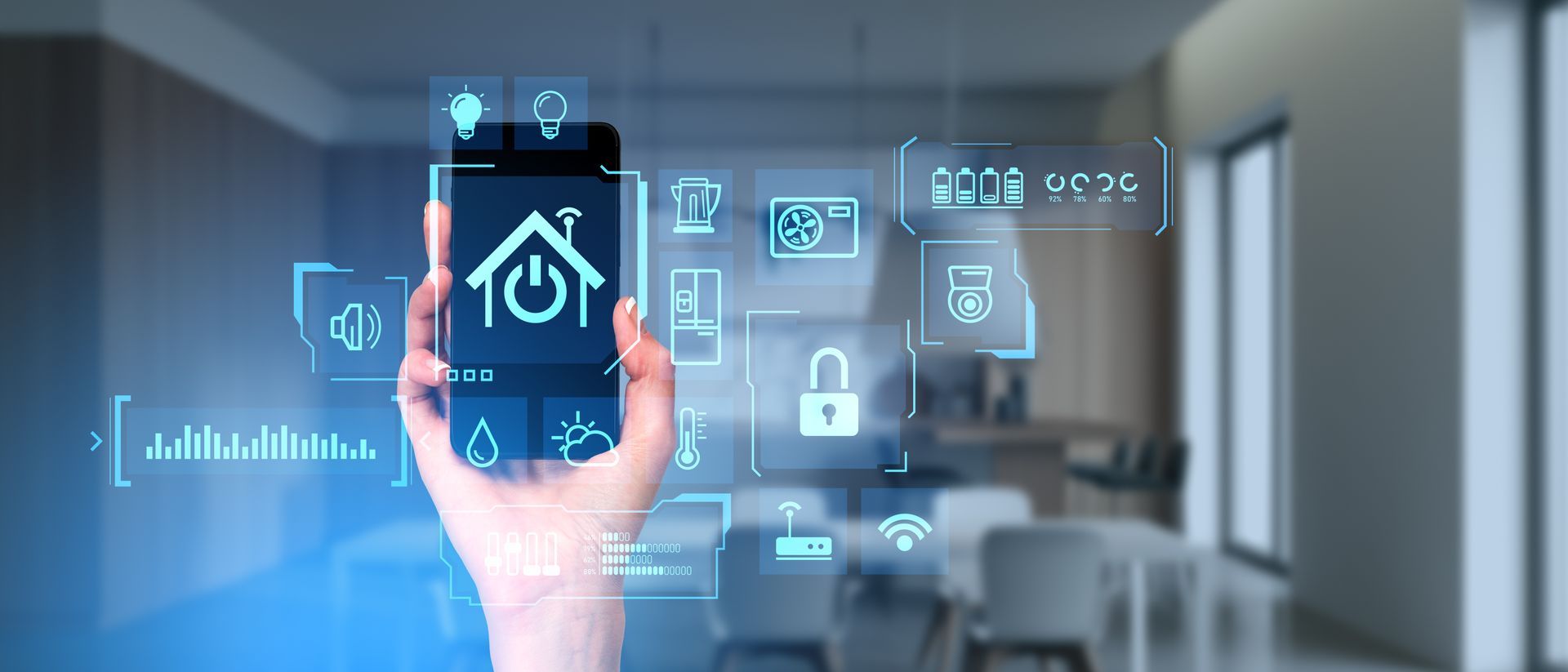
A smart home system typically consists of interconnected devices that can be controlled remotely. These devices often communicate through Wi-Fi or other wireless protocols. Some common smart home devices include:
- Smart thermostats: Control your home's temperature remotely, optimising energy consumption.
- Smart lighting: Adjust lighting levels and colour temperature to suit your mood or specific activities.
- Smart speakers: Use voice commands to control various devices and access information.
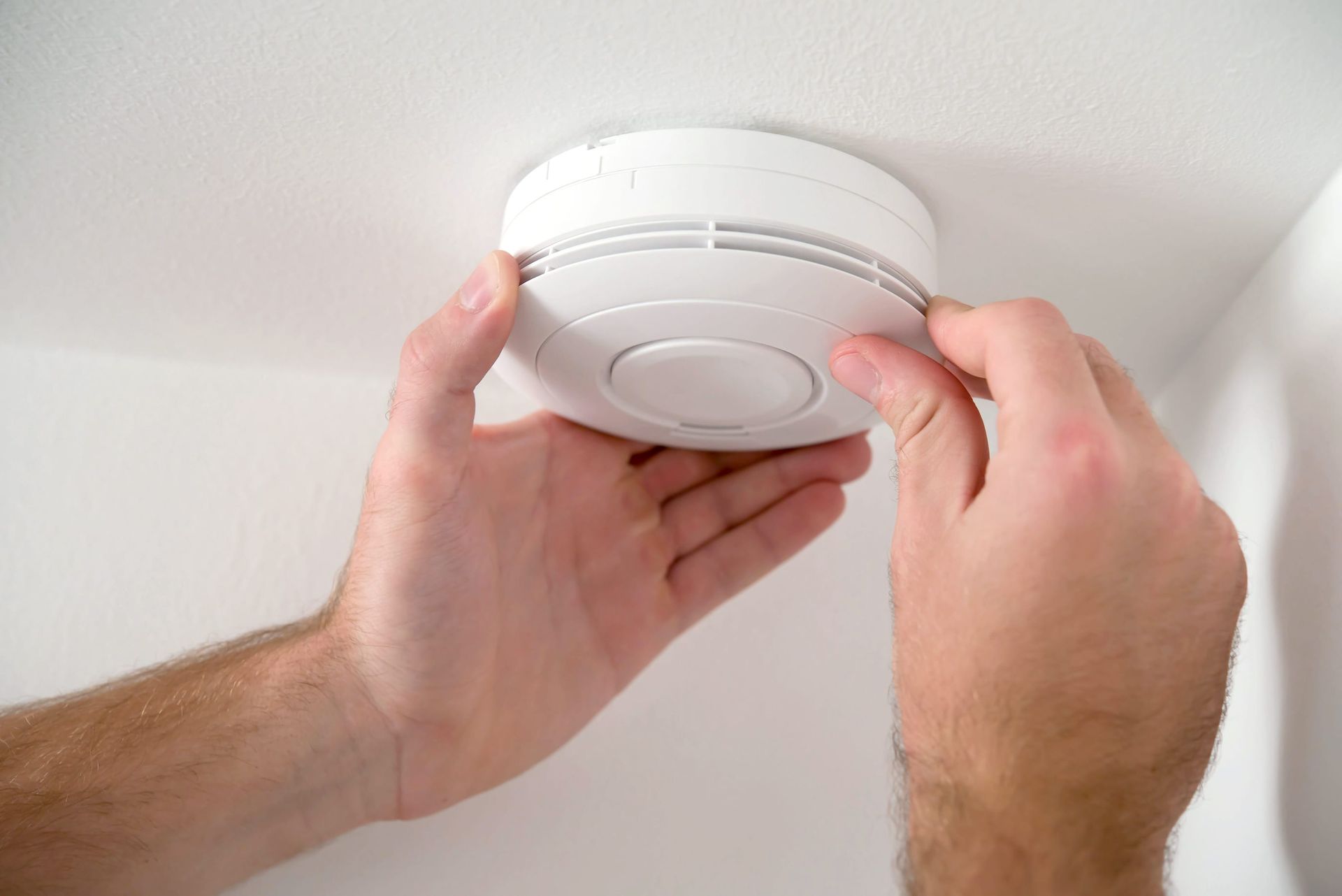
- Smart security systems: Monitor your home remotely and receive alerts in case of intrusions.
- Smart locks: Control access to your home with keyless entry and remote locking.
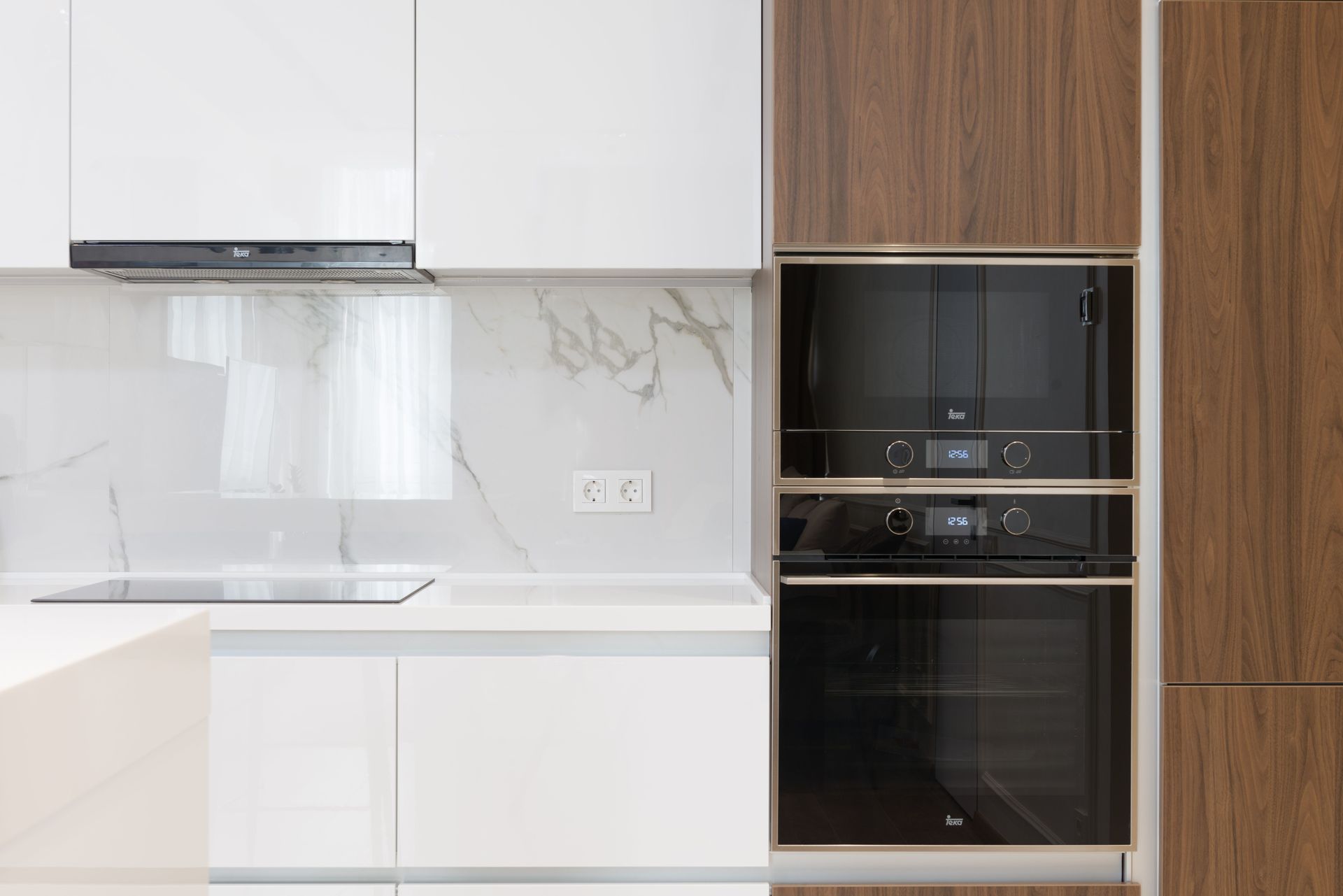
- Smart appliances: Control appliances like refrigerators, ovens, and washing machines remotely.
Setting Up Your Smart Home
1. Assess Your Needs:
- Identify the areas of your home you want to automate.
- Consider your budget and the level of complexity you desire.
- Research different smart home systems and devices to find the best fit for your needs.
2. Choose a Smart Home Hub:
- A smart home hub acts as a central control point for your devices.
- Popular options include Amazon Echo, Google Home, and Apple HomeKit.
- Consider factors like compatibility, ease of use, and voice assistant preferences.
3. Select Compatible Devices:
- Choose devices that are compatible with your chosen smart home hub.
- Look for devices with good reviews and reliable performance.
- Consider factors like energy efficiency, security features, and ease of installation.
4. Professional Installation:
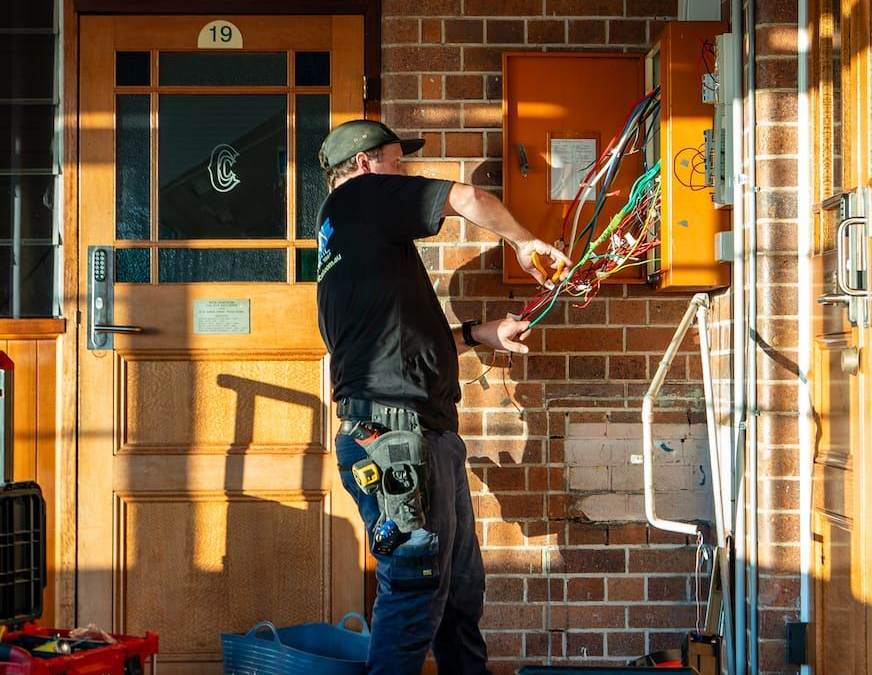
- While many smart devices can be installed by DIY enthusiasts, professional installation is often recommended for complex setups or to ensure optimal performance.
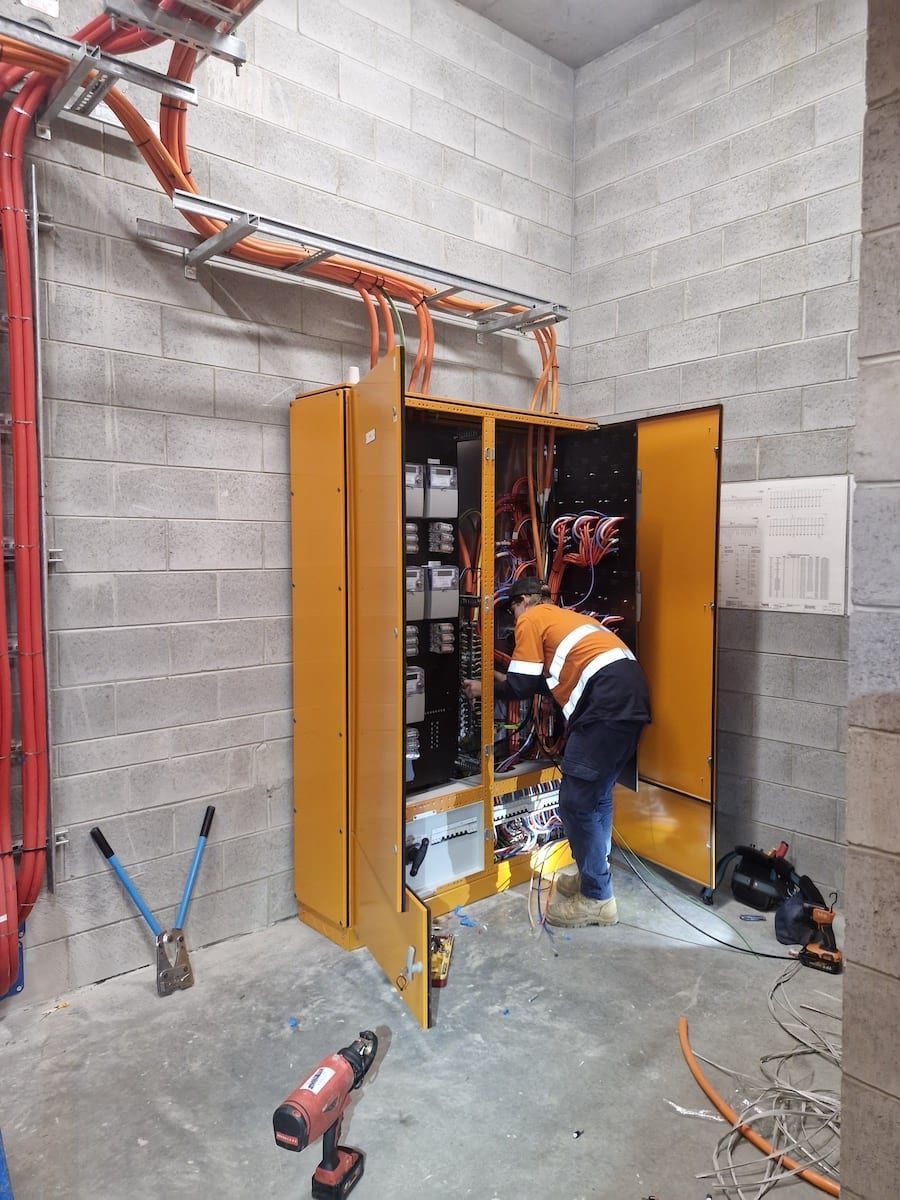
- A qualified electrician, like the team at Heat On Electrical, can handle wiring, network setup, and device integration.
5. Configure Your System:
- Follow the manufacturer's instructions to set up each device and connect it to your smart home hub.
- Create routines and schedules to automate tasks like turning off lights or adjusting the thermostat.
- Experiment with different voice commands and app features to customise your smart home experience.
Benefits of a Smart Home
- Enhanced Comfort: Control your home's environment with ease, regardless of your location.
- Increased Security: Monitor your home remotely and receive alerts in case of emergencies.
- Energy Efficiency: Optimise energy consumption and reduce utility bills.
- Convenience: Automate daily tasks and save time.
- Improved Accessibility: Control devices with voice commands or remote access, making your home more accessible.
By following these steps and working with experienced professionals, you can create a smart home that enhances your lifestyle and provides peace of mind.
Contact Heat On Electrical for Expert Advice & Installation
If you're considering a smart home project, Heat On Electrical can help. Our team of skilled electricians can provide expert advice, installation, and maintenance services. Contact us today to discuss your smart home goals.
Email or call us on 07 3376 278.
You might also like